DTUSecure
For employees and students on DTU campus it is recommended to use the Wi-Fi network DTUsecure
Common settings
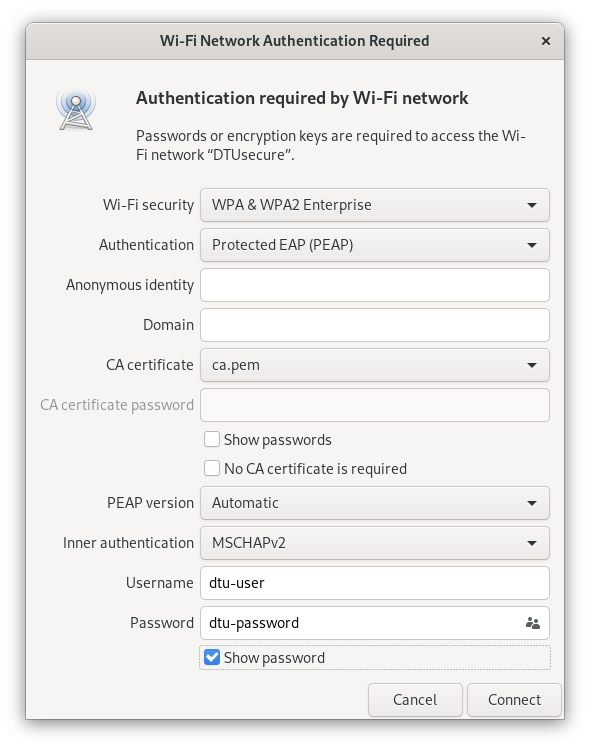
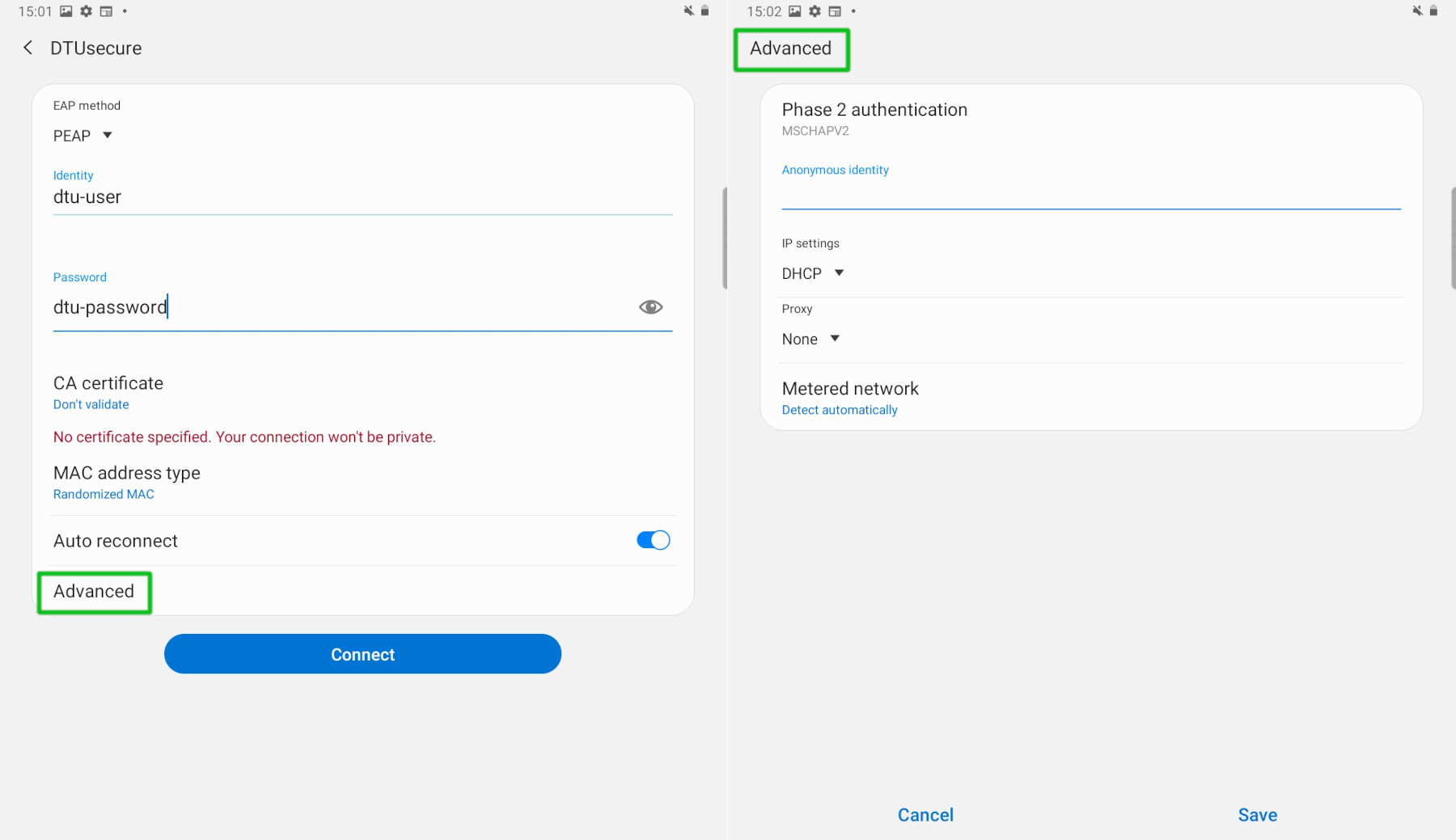
| Setting | Value |
|---|---|
| Wi-Fi Security | WPA2 Enterprise |
| Authentication / EAP method | PEAP |
| Inner-/Phase2-authentication | MSCHAPv2 |
| Username / Identity | DTU username |
| Password | DTU password |
| CA certificate | Check platform/OS |
Connecting to DTUsecure on:
- Select DTUsecure from the Wi-Fi connections list
- Enter your DTU credentials and click Join
- When asked to accept the DTU certificate click Continue
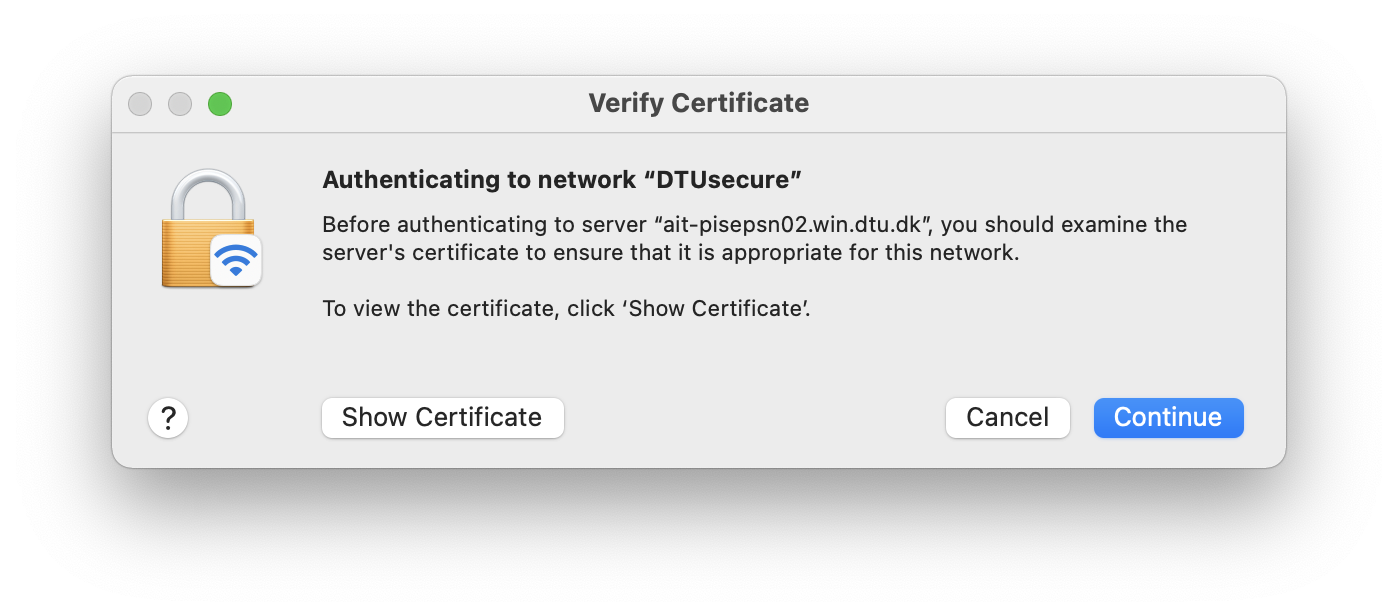
- Authenticate with your local macOS user
- You should now be connected
Last updated on