Shared mailbox
Add an existing shared mailbox to Outlook
Add account
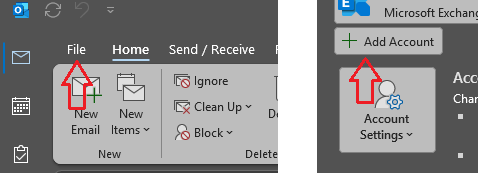
Go to the File tab and click “Add account”
Connect
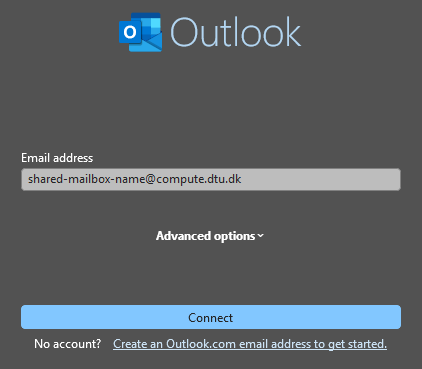
Insert the mail address for the shared mailbox (xxxxxxxx@compute.dtu.dk) and click “Connect”
Authenticate
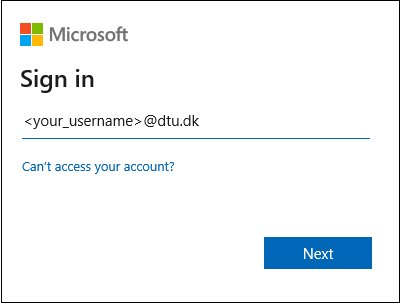
In the next window, remove the shown email address and enter your own DTU email address. Click “Next”, enter your password and use your preferred MFA method to authenticate.
Restart Outlook
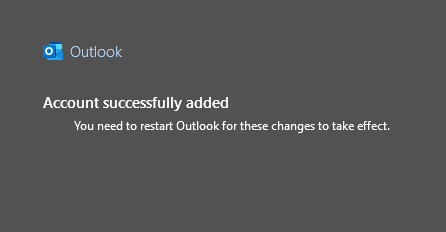
The shared mailbox should now have been added, but it will only appear after restarting Outlook.
Last updated on